Meta / Data Warehouse
Unified Data
Warehouse
Bringing budget planning and quota management into one navigation experience.
Challenge
Two hierarchies mattered to Data Warehouse. One supported budget planning. The other supported day-to-day quota management.
Users needed a consistent way to work across both hierarchies within Data Warehouse.
My Contribution
I led the design of a shared navigation experience that kept both hierarchies intact.
I tested navigation options with users and worked with the Meta Capacity design team to keep the experience consistent across tools.
Designing Navigation for Two Hierarchies
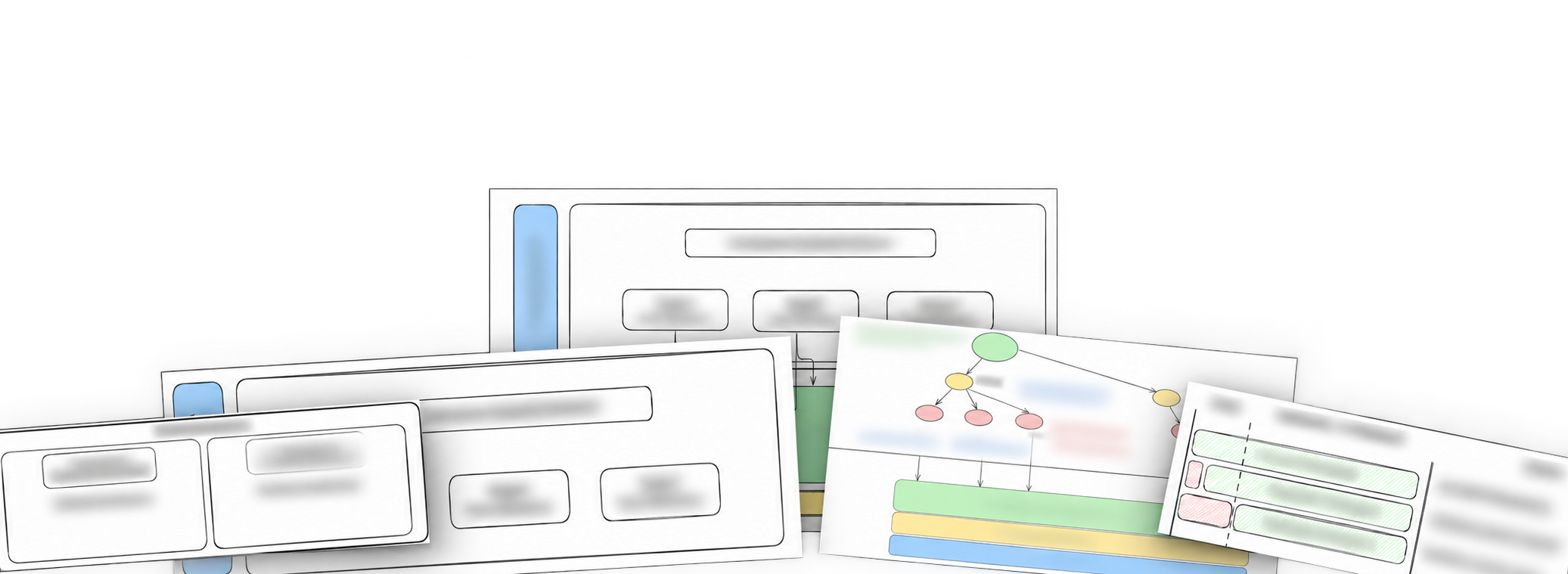
The design challenge was to make both hierarchies easy to find and use in the same workspace.
Exploring Navigation Patterns
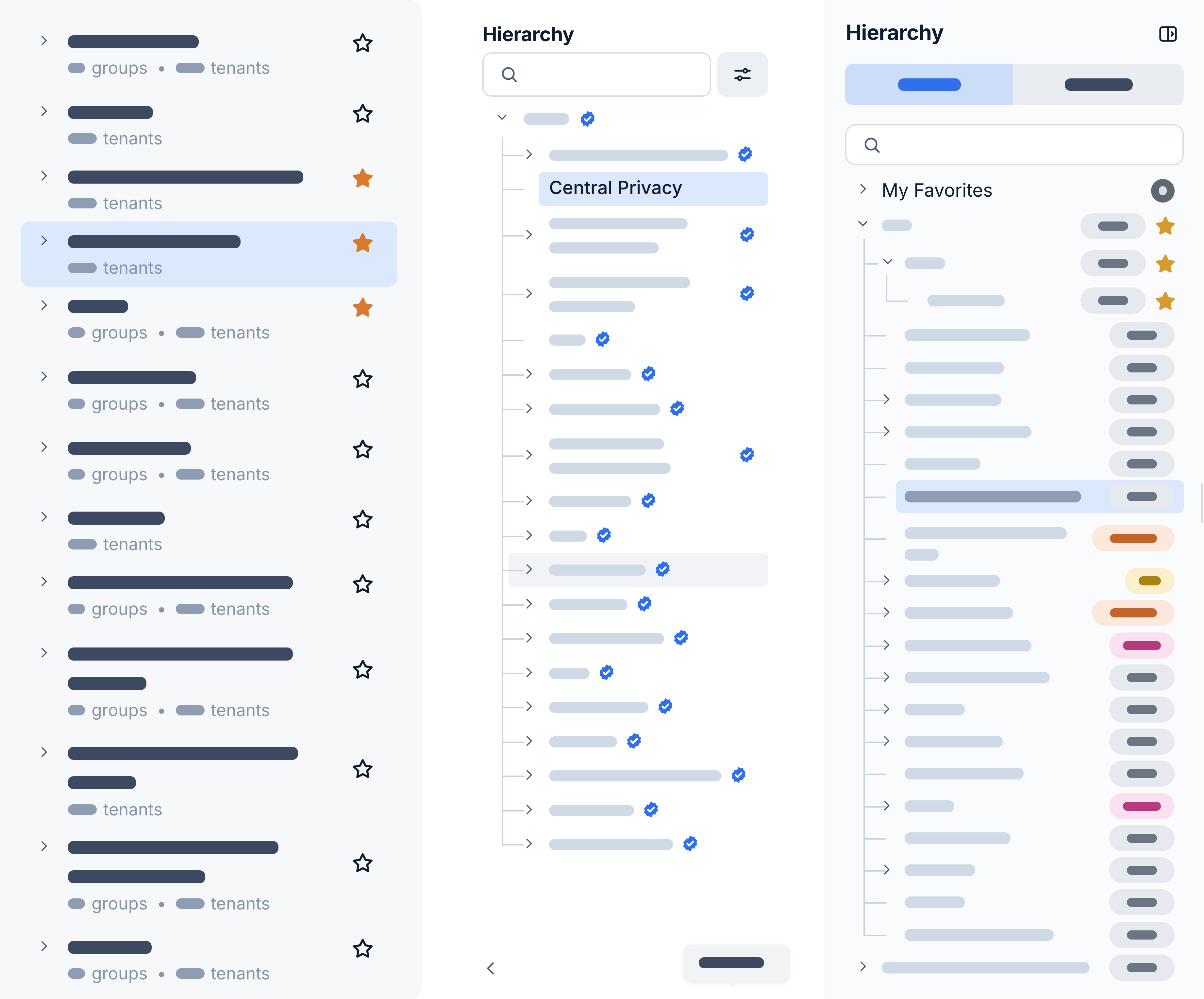
I explored three ways to present Budget and Platform, including a toggle between views and accordion sections within the same navigation panel.
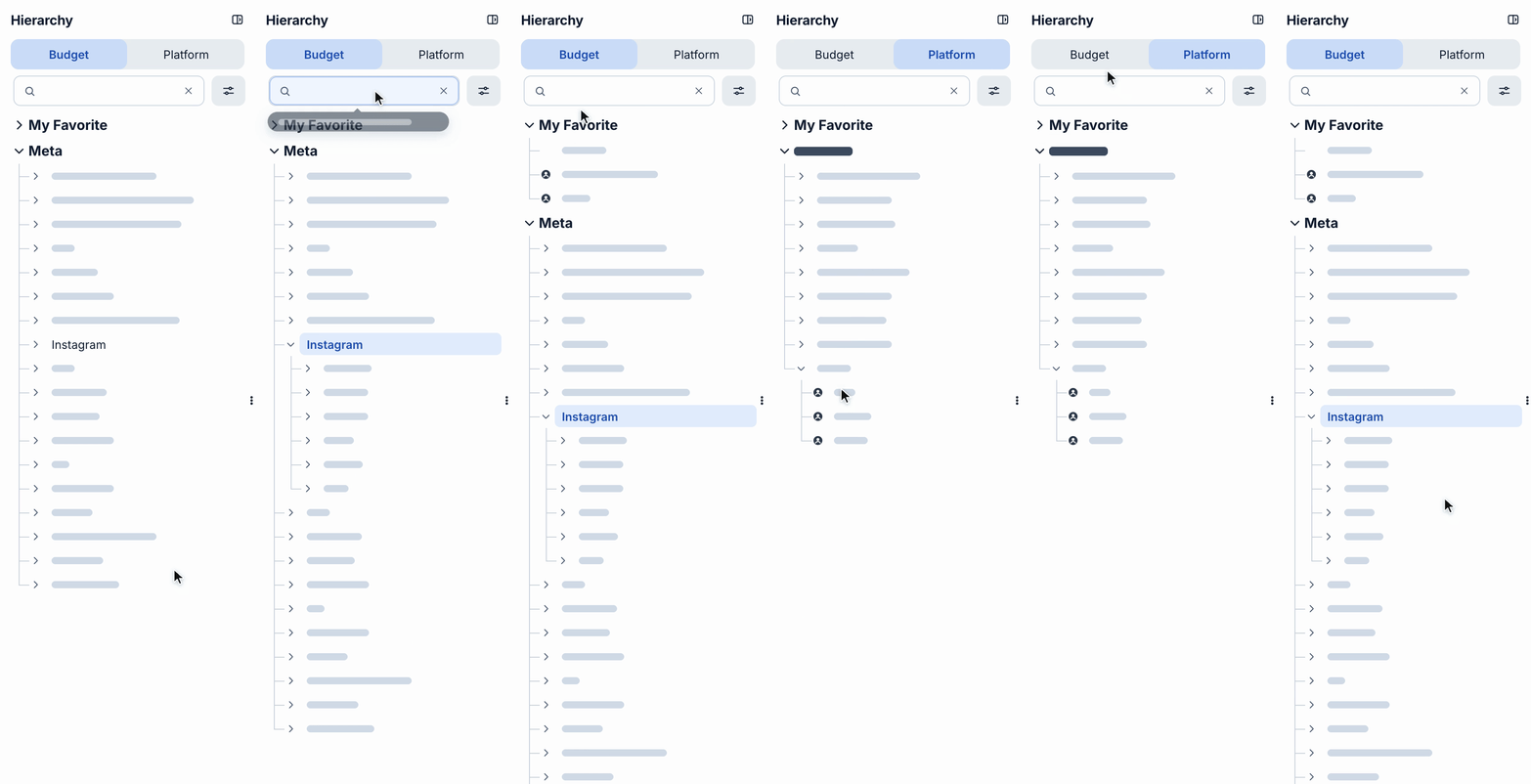
Illustrative design. Internal details omitted for confidentiality.
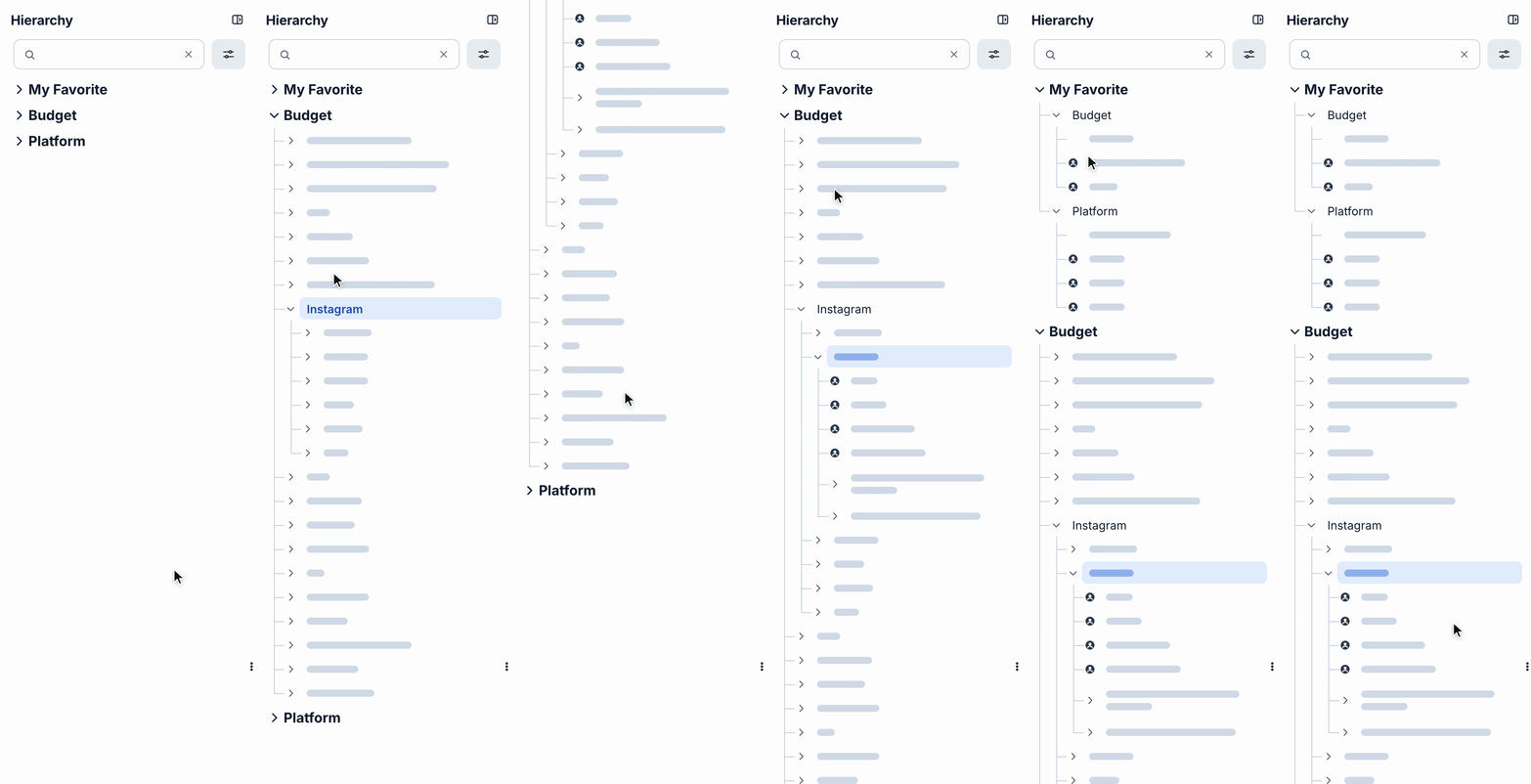
Illustrative design. Internal details omitted for confidentiality.
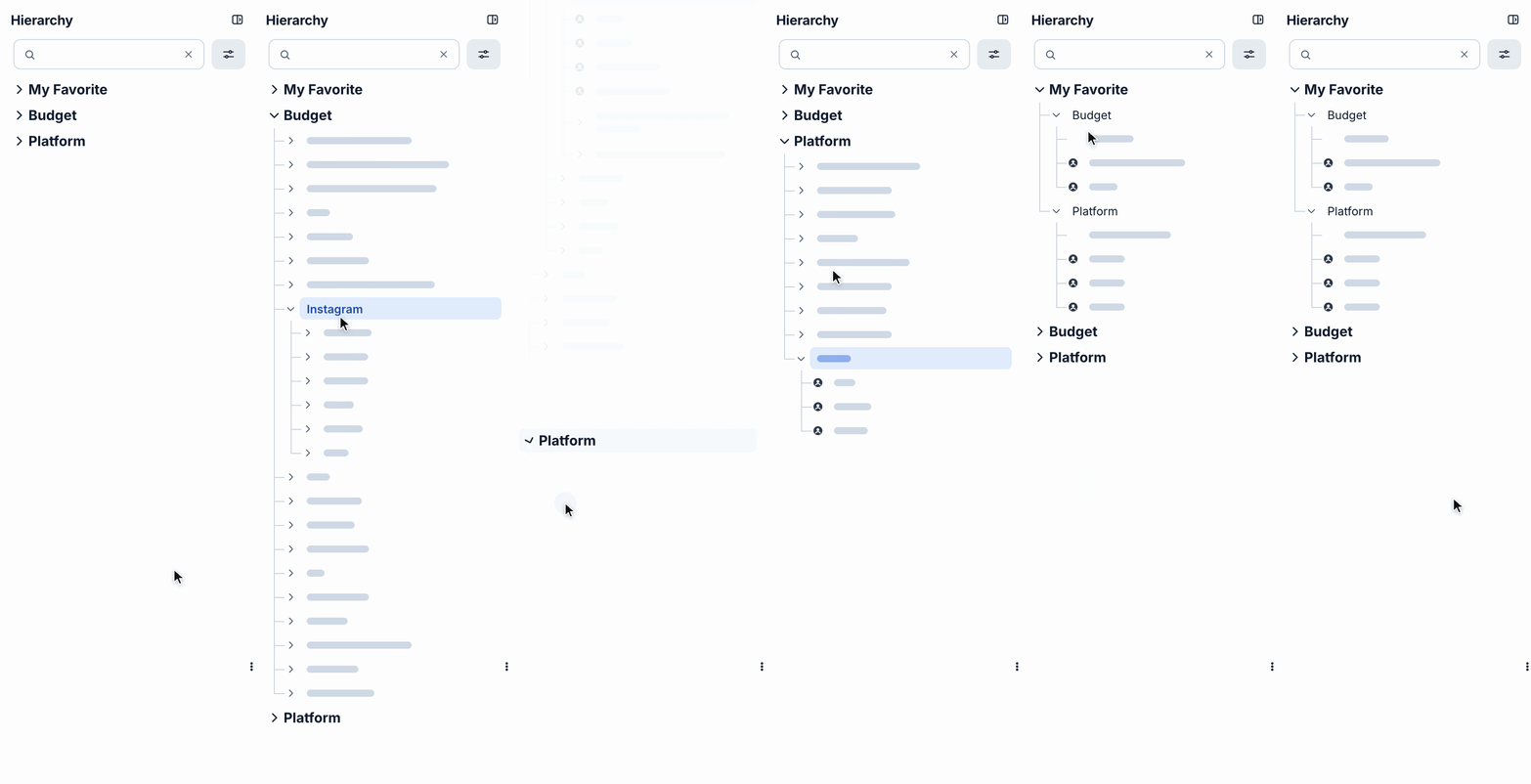
Illustrative design. Internal details omitted for confidentiality.
User testing helped us choose an accordion so people could expand the hierarchy they needed from the same panel.
Two Hierarchies, One Navigation
The accordion brought both hierarchies into one navigation panel. Keeping the underlying data structures separate avoided unnecessary migration work.
Illustrative design. Internal details omitted for confidentiality.
Illustrative design. Internal details omitted for confidentiality.
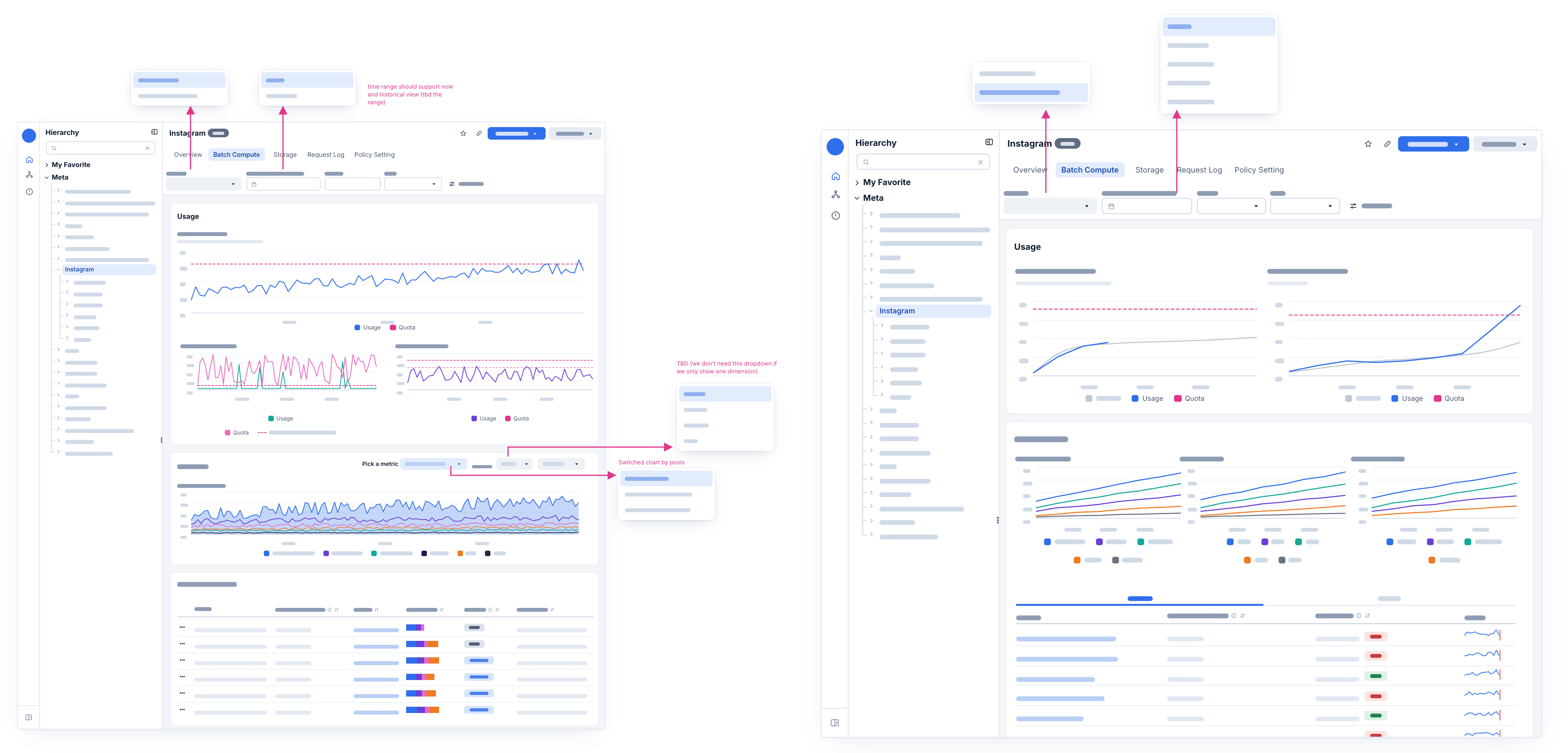
Familiar Interactions in One Workspace
I kept familiar navigation, filters, and layouts so Data Warehouse users could carry over how they already worked.
Bringing Legacy Workflows into One Platform
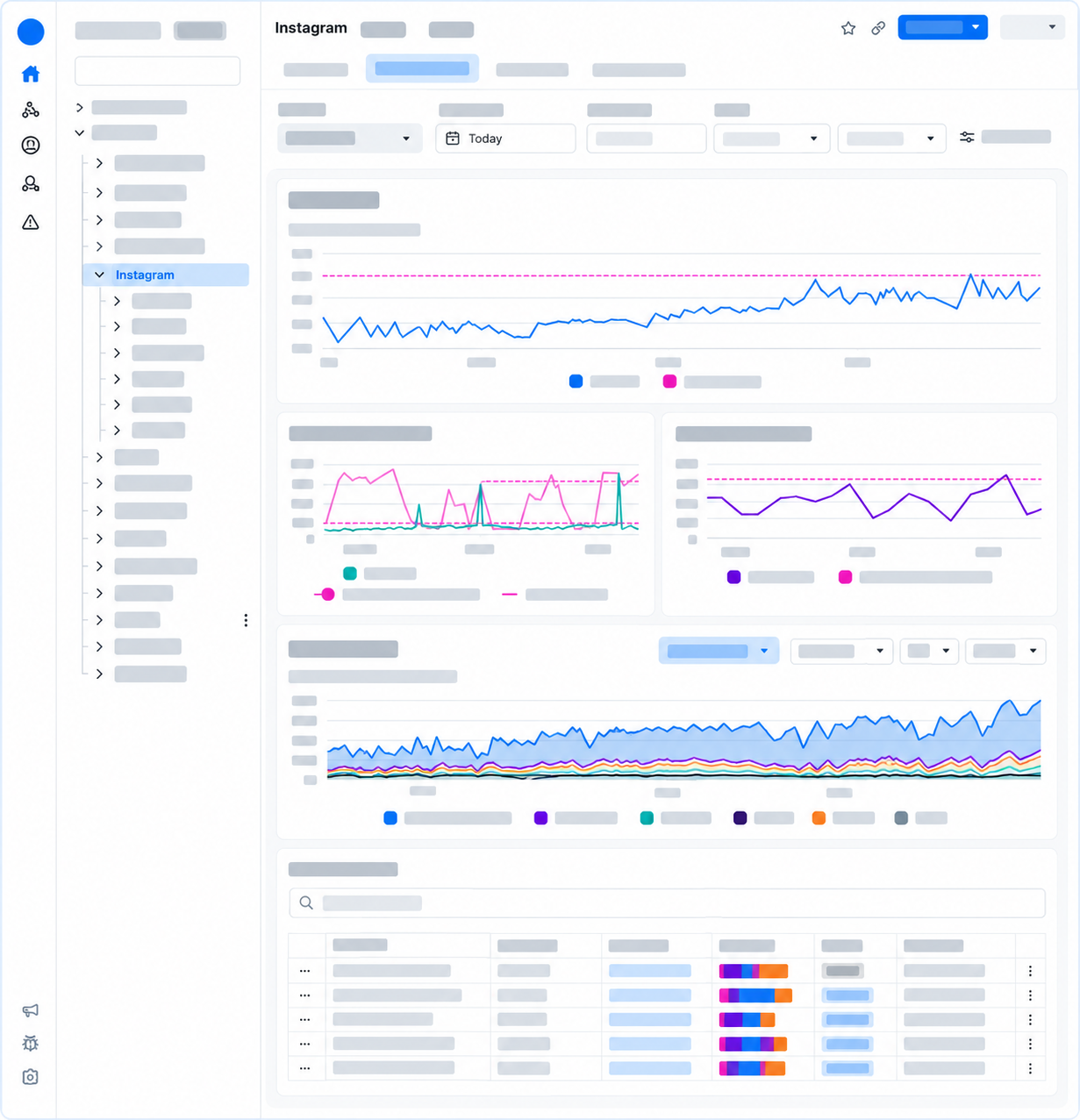
The shared navigation gave users one place to find workflows that had been spread across Data Warehouse tools.
As workflows moved into the platform, users could access them through familiar navigation while the two hierarchies stayed separate.
Illustrative design. Internal details omitted for confidentiality.