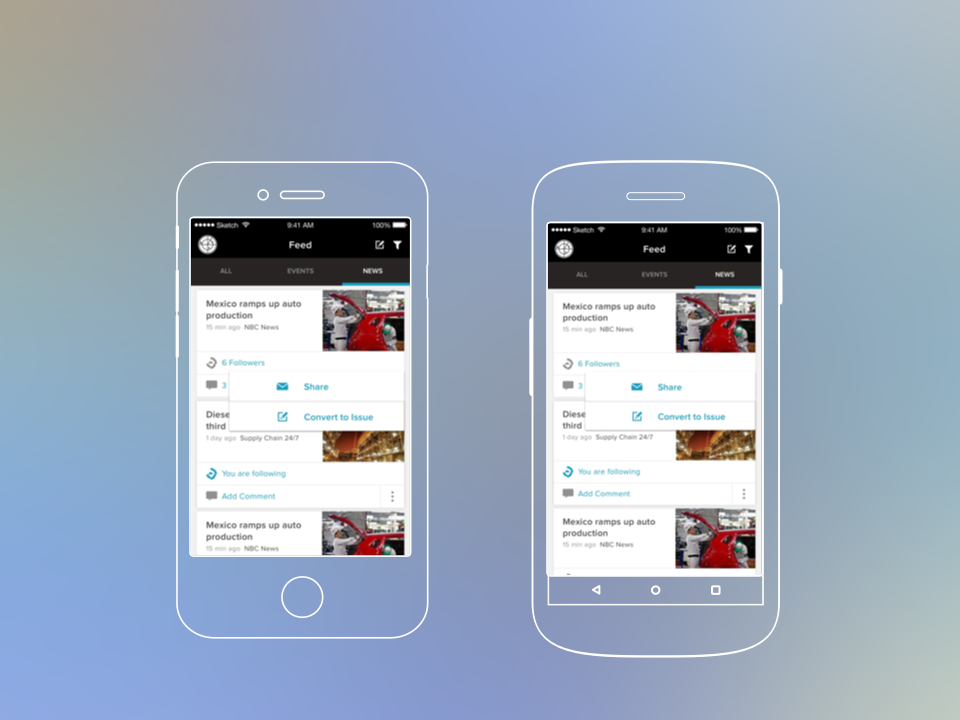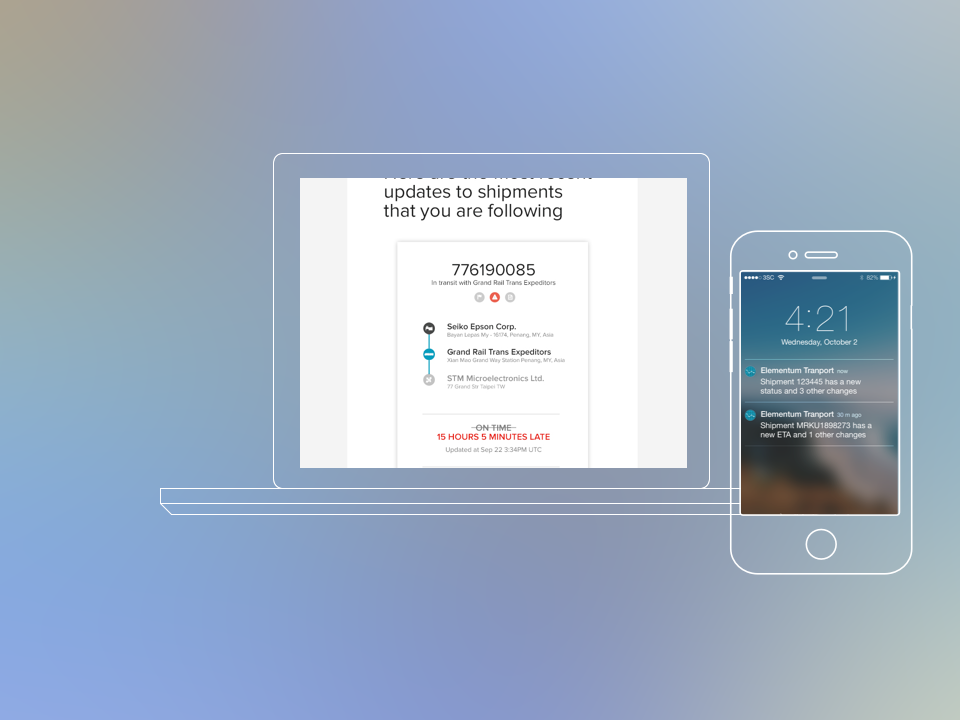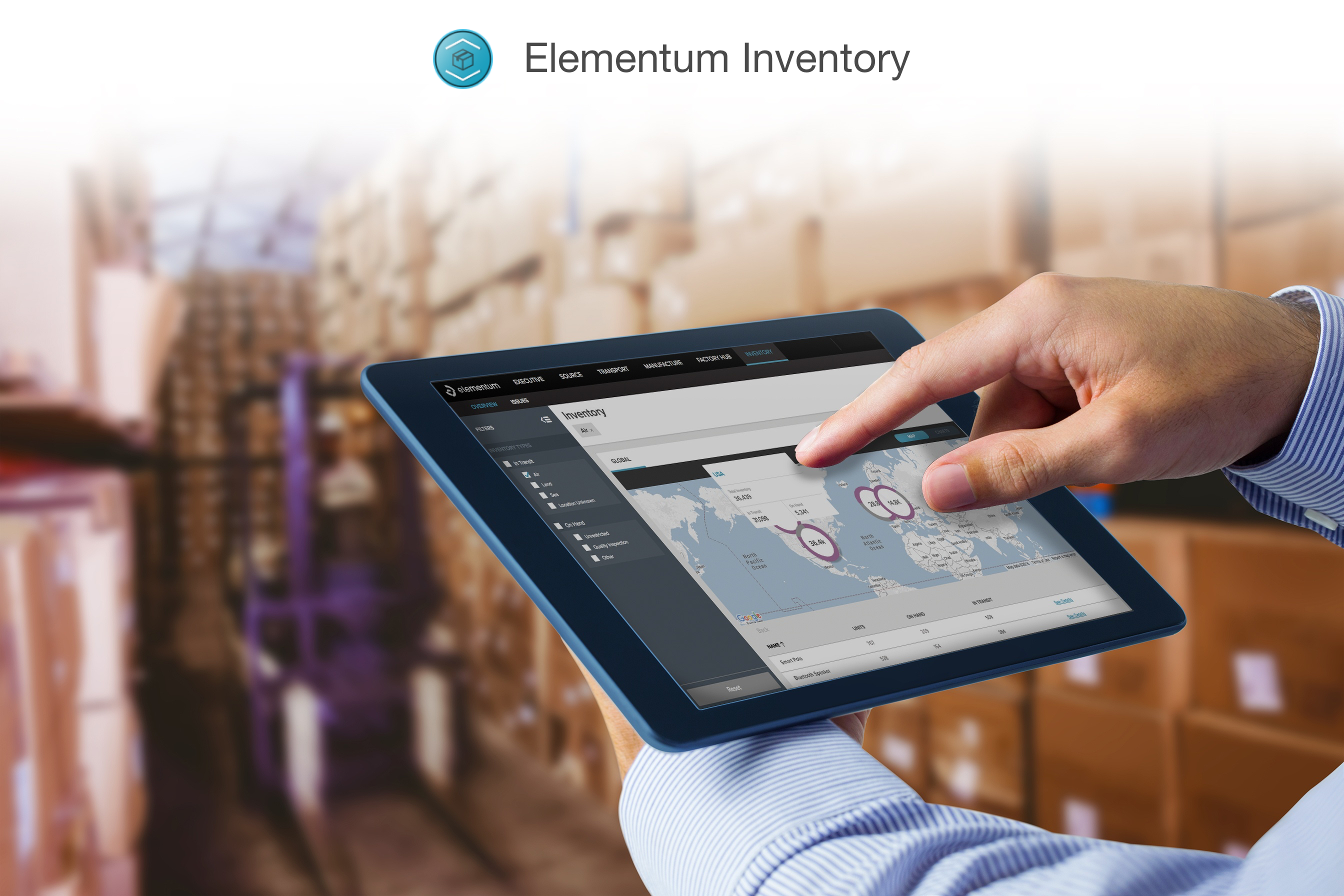
Provides real-time visiblity inventory data via both web and mobile platform.
Problem
Lack of visibility on inventory level between inventory team and other functions within supply chain. Missing granular information for operational users to manage day-to-day work.
Our solution
- Real time visibilty
Allow users to access different inventory level across product hierarchy and geographical areas - Enable search and filters
Add more customization to help user quickly navigate to inventory of interest - Encourage collaboration
Drive awareness and improvements through issue escalation&collaboration - Enhance tactical information
Provide deeper breakdowns for more clear inventory management
Things I've done
DESIGN CHALLENGE
As the newest app at Elementum, Inventory app targeted to solve a very simple problem: display where and how much inventory does user have. However, when we signed the first customer of Inventory by the end of 2016, we got a lot of requests from them, which did not align with the existing Inventory app design. To gain more insights, I worked with PM conducting several internal and external interviews. The interviews revealed several findings:
- 1.User has different goals when looking at data on different product hierarchy.
- 2. There are various factors to help user make a decision, so it's important to view the inventory count in different ways.
User, such as Inventory manager needs to know where/what inventory do they have at a roll up product hierarchy(such as brand). This helps to get a ballpark of inventory cost based on the inventory count. (Due to confidentiality, we do not have access of the value information yet.). Yet, when his goal is controlling inventory levels, the concern is only at a single sku (usually the lowest product). The existing inventory keeps all product levels at the same view and displays the same information. How can we show more data for a certain level without losing the view of other levels?
Solution:
Designed a SKU detail view to capture extra information. Separating this unique product level from the rest of hierarchy provides a focused view of a single product. Instead of asking user to search a product and find out where the extra data, we show the detail page immediately after the search. It presents all the relevant information to the user upfront.
*On extra bonus when we tested with customer, we heard that the separate view is convenient for them to show it as a product performance report.
Wireframe
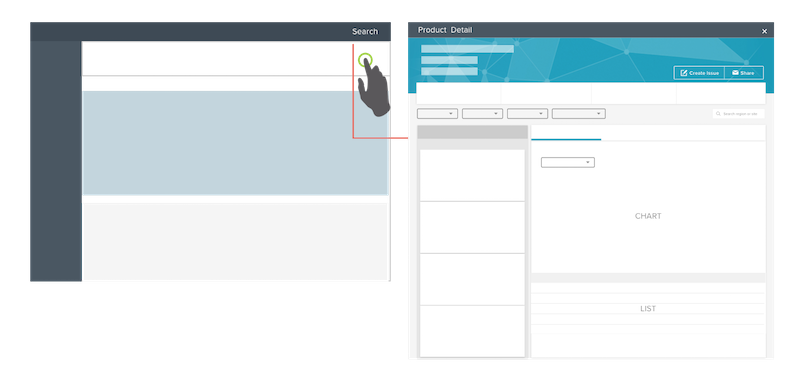
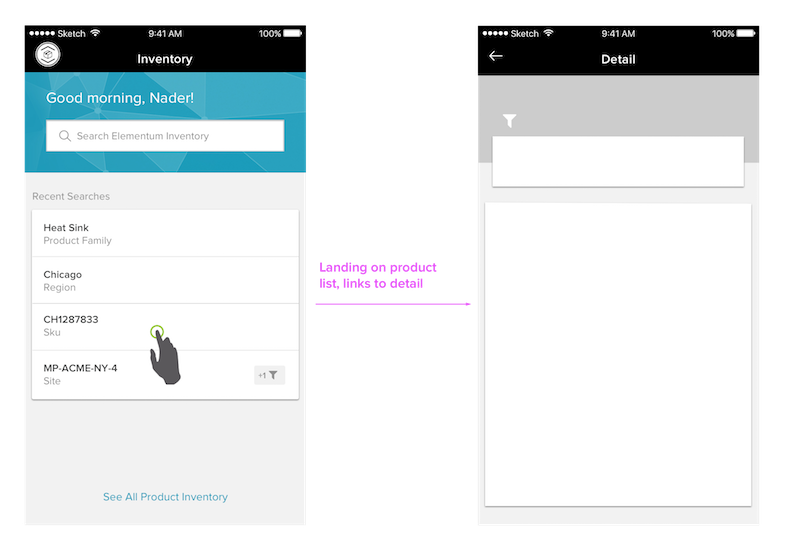
The most common reason a user opens the inventory app is to rebalance the inventory when a risk happens. A simple inventory count tells very little for decision making. How can we help user pull data from different angles?
Solution:
Segment the view by different data set and allow user to filter within the segment. The different combinations allow user to decide if the current inventory level is safe to move around.
Web Prototype
Open original web prototype ↗
Legacy external prototype; some screens no longer load. Original wireframes are preserved above.
Mobile Prototype
Open original mobile prototype ↗
Legacy external prototype; some screens no longer load. Original wireframes are preserved above.
Result
The first cusomter of inventory went alive on Inventory app during June, 2017. 3 more customers are during the onboarding stage.
Next step
The inventory app is till at stage one,where we help user to capture the current inventory stock level. The next stage make the app more proactive. Instead of user coming to the app for risk resolution, we are targeting to help them do a better planning to reduce the risk. I'm working with the team conducting more interviews and workshops to learn how can we make this happen.